A structured service
Information architecture and core flows developed from the ground up.
GWQ was able to launch a digital service connecting medical-aid selection, information and provider search. My team and I developed the UX and UI together with GWQ and refined navigation based on its user tests.

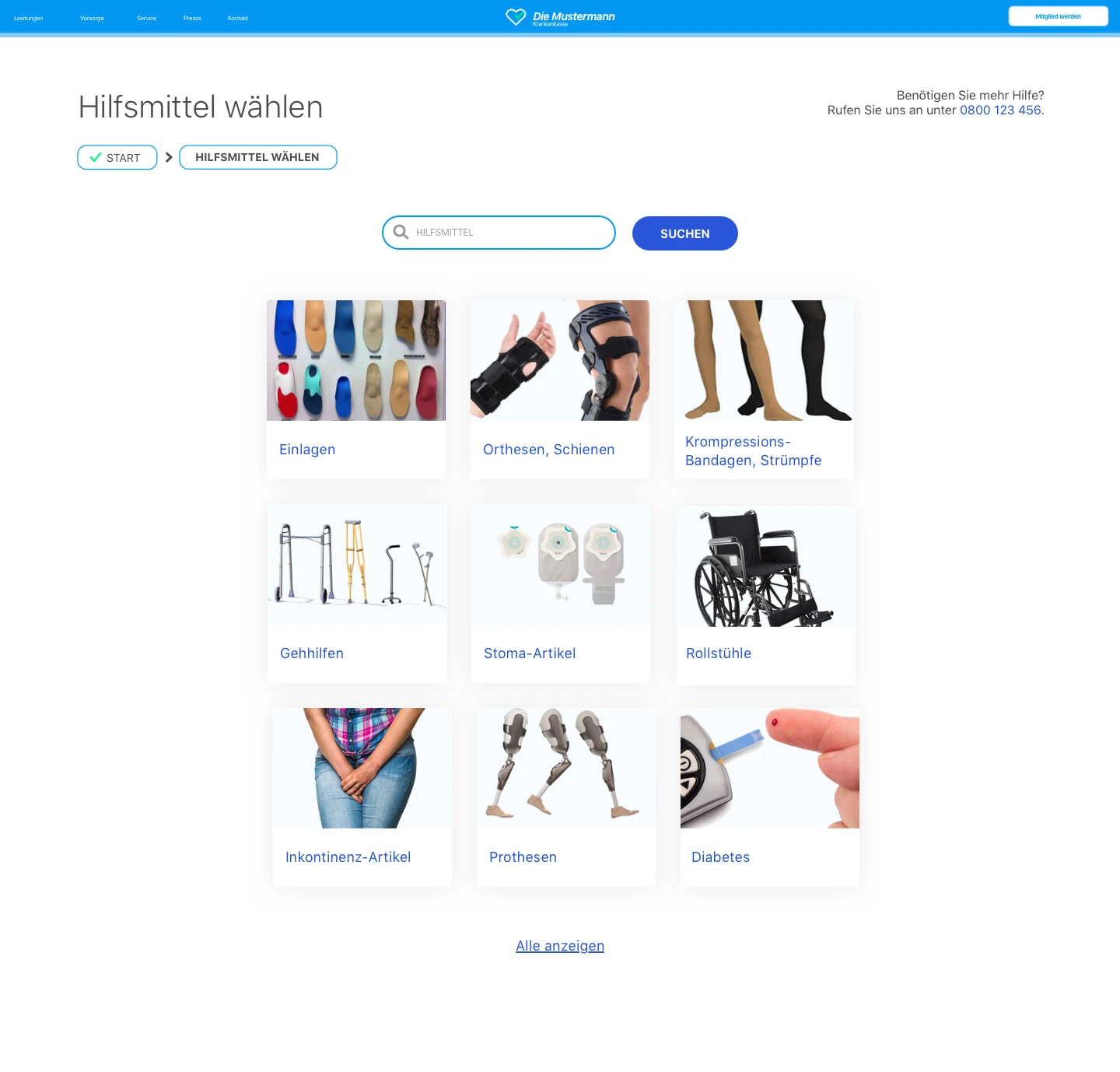
The starting point was a rough idea for a digital medical-aids service. Navigation and interface were not yet defined. The service also needed to accommodate health insurers with different content, requirements and processes.
My team and I developed the complete UX and UI with GWQ. We connected aid selection, supporting information and provider search in one flow.
We designed the UX and UI with GWQ. Their team conducted user tests and presented the findings to us. We then improved breadcrumbs and the beginning and end of the wizard. That version went live; ongoing customer feedback led to smaller adjustments.
The idea became a launched medical-aids service. GWQ's test findings informed the user flow before launch, followed by continued improvements based on customer feedback.
01UX concepts
The product first needed a clear sequence: where do insured users enter, how do they select an aid, and what information do they need before looking for a provider?
With GWQ, we translated these tasks into information architecture and concrete flows. The MVP connects selection, categories, information and postcode search.
The core flow connects medical-aid selection, information and provider search. The graphic is an edited historical working document.
02Information architecture & wireframes
Aid selection offers direct search and category browsing. Both lead to information about the aid and a search for suitable providers.
We developed these relationships in wireframes. The overview includes pages, transitions, search results and open states, allowing GWQ and us to discuss the service as a connected product.
The working overview connects service pages and transitions. The original was marked as work in progress.
Categories bring together process information, costs and FAQs before provider search.
Postcode search connects the selected need with a provider results view.
03User testing & iteration
GWQ conducted the tests and presented the findings. I valued this separation from the design team because it provided independent feedback on our work.
The findings revealed small but specific orientation problems: breadcrumbs were not visible enough, and the beginning and end of the guided flow needed to be clearer. We revised those details.
We improved breadcrumb visibility to clarify users' position in the flow.
We revised the wizard's entry and completion to make the guided flow clearer.
04UI & white label
We designed the interface on that foundation. The entry explains the steps, selection combines search with illustrated categories, and navigation indicates progress.
Insurers differed not only in branding but also in content, requirements and processes. We needed to reconcile those differences with a shared flow and design. White labelling therefore went beyond changing colours and logos.
The screens use an example health-insurer brand. The work included responsive interfaces and shared design guidelines.
Design outcome
The product idea became a live service. Insured users can select medical aids through search or categories and look for suitable providers. GWQ also gained a shared UX and UI foundation that accommodates different health insurers. GWQ’s user tests informed the work before launch; customer feedback guided subsequent development.
Information architecture and core flows developed from the ground up.
Selection, information and search connected; breadcrumbs, entry and completion improved using test findings.
Responsive UI, white-label concept and design guidelines developed.
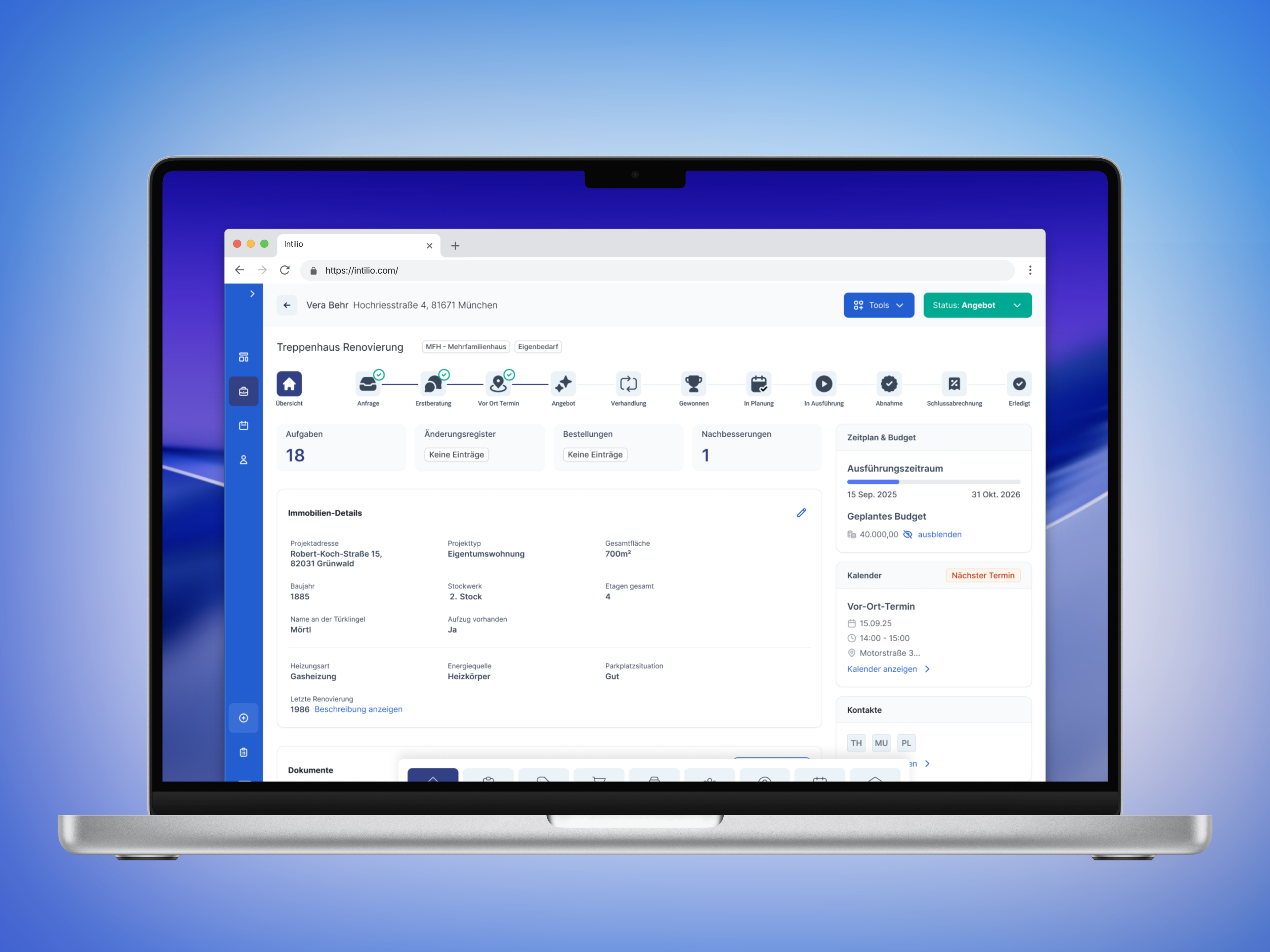
A guided project workflow provided the foundation for offering an internal tool as SaaS. Tasks, documents and next steps were brought together in one flow.
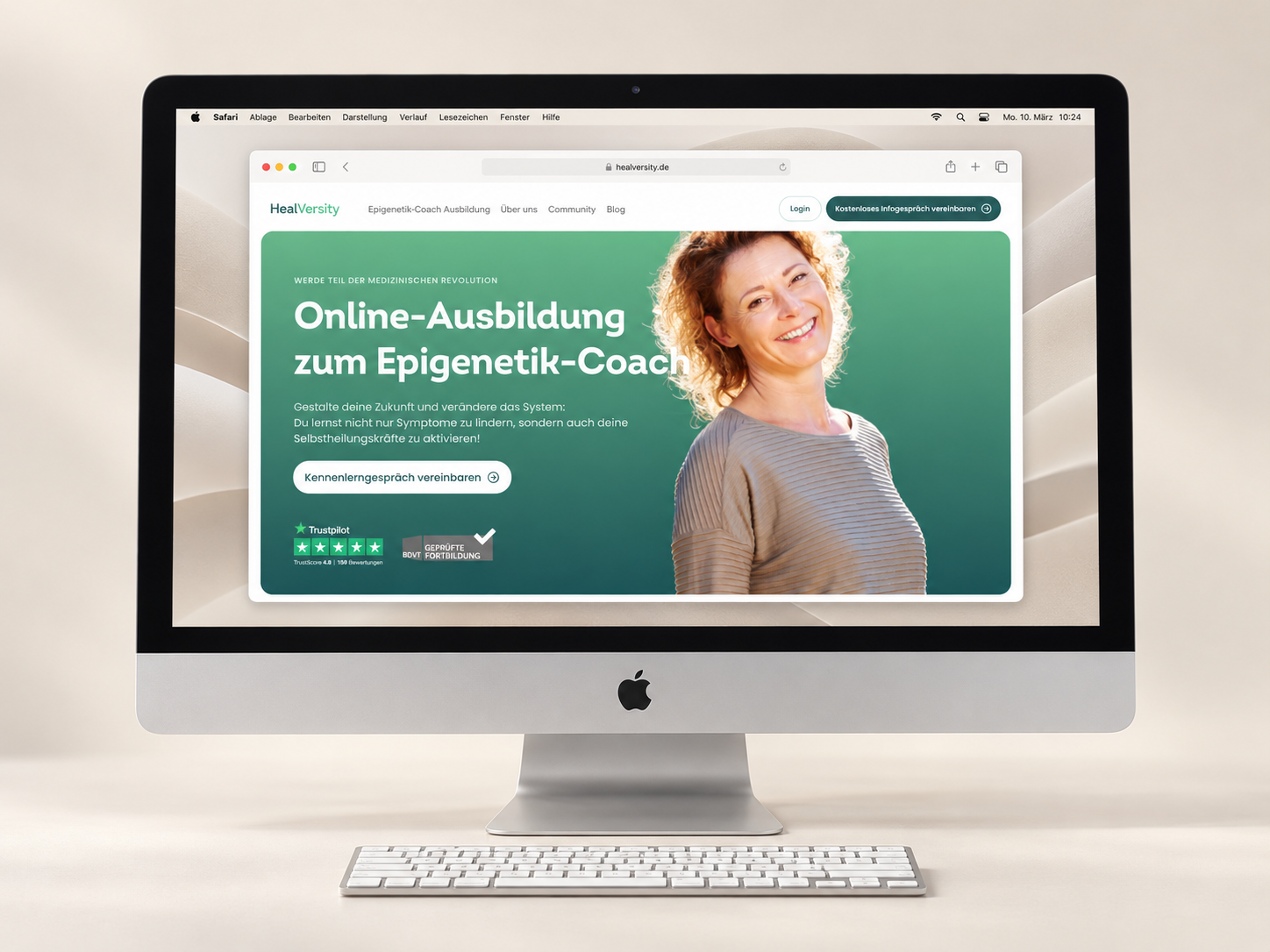
Additional landing pages could build on shared templates and components. Walkthroughs identified specific obstacles to accessing courses and offerings.
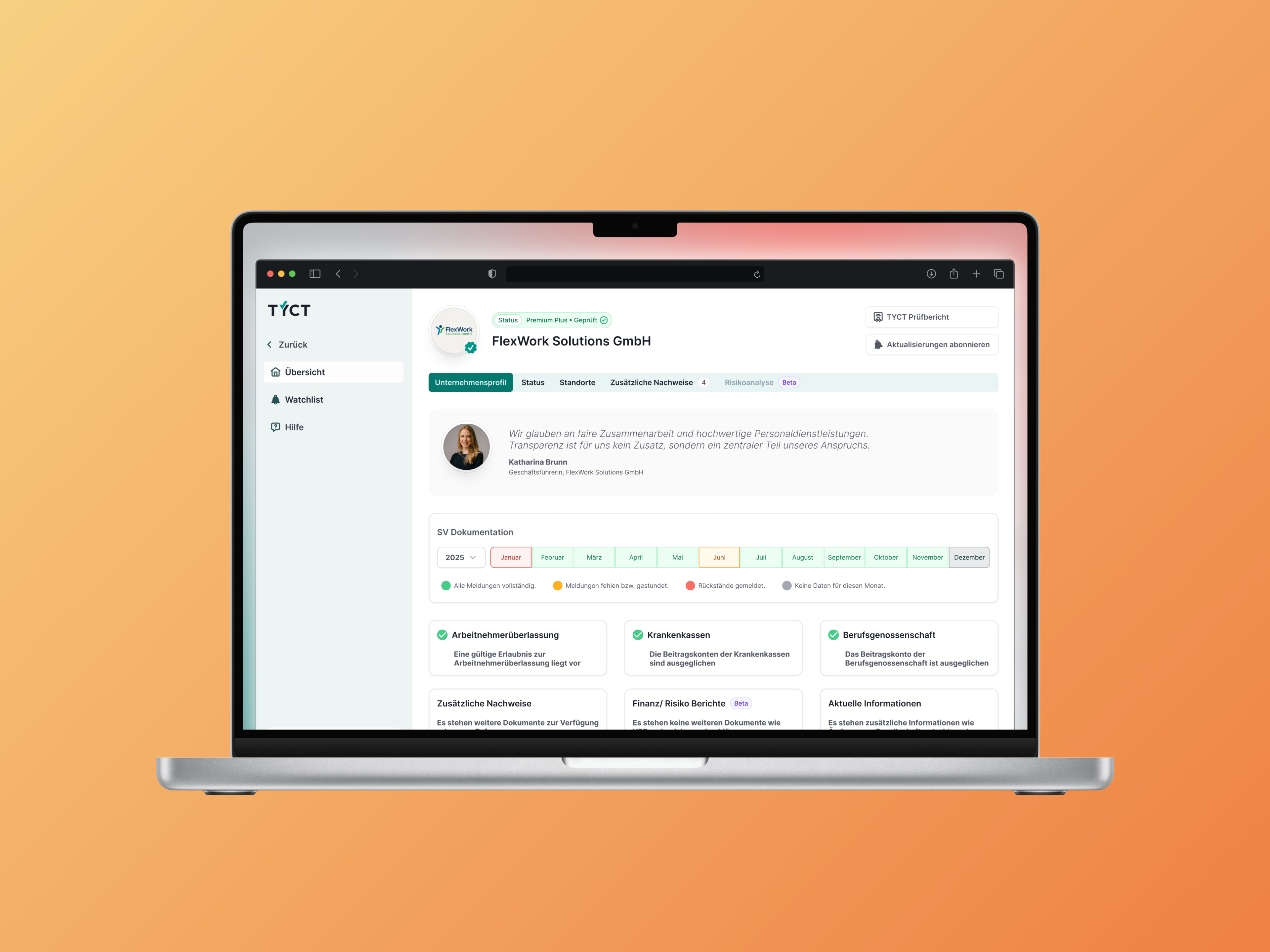
Development could build on implemented UI components. Recurring elements did not need to be redesigned for every verification workflow.