Make forms understandable
Review required fields and errors in context. Proposed improvements included immediate validation and autofill.
HEALVERSITY received reusable components, page templates and an implemented WordPress foundation for additional landing pages. In parallel, we identified obstacles between initial interest, registration and access to learning content.
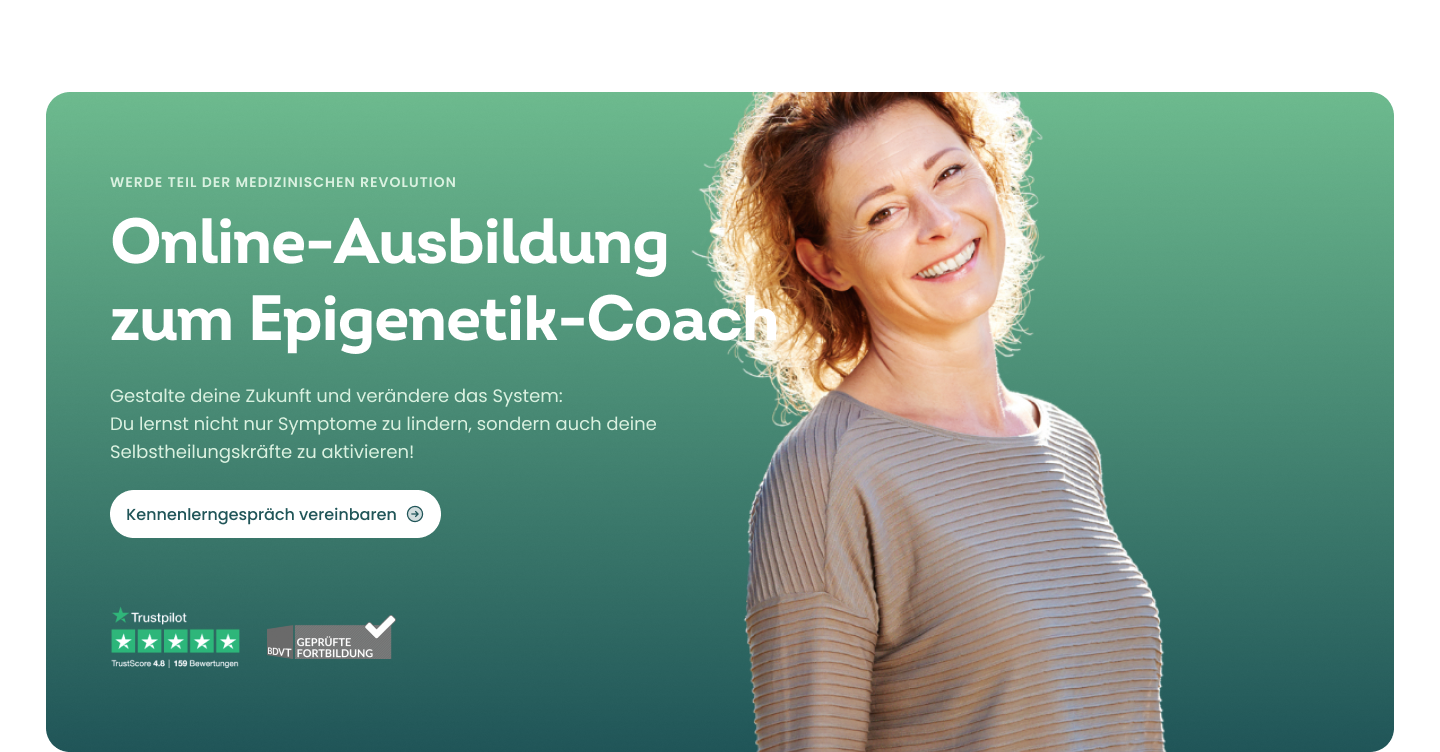
HEALVERSITY needed a concept for its public website and logged-in learning area. People arrived through different entry points; registration, ordering and content access needed to be considered together.
I led concept and design with my team. Our work covered customer journeys, components and templates, plus coordination of technical implementation with Expert Allies.
We examined the path from initial interest to the next step in documented walkthroughs, recording friction and proposed solutions. For demo access, we connected the ad, registration, first lessons and follow-up offers in one concept. A stylescape, components and page templates formed the design foundation. I coordinated WordPress implementation with Expert Allies.
HEALVERSITY received a design system with components and page templates, plus an implemented WordPress foundation for landing pages. Walkthroughs identified specific barriers to registration and learning content.
01 Reviewing customer journeys
A landing page explains only part of the journey. Our walkthroughs examined connected steps from the ad through the offer to the form, order or access to learning content.
We documented the book funnel, the “7 Therapy Approaches” entry point and demo access, recording user actions, potential friction and specific improvements.
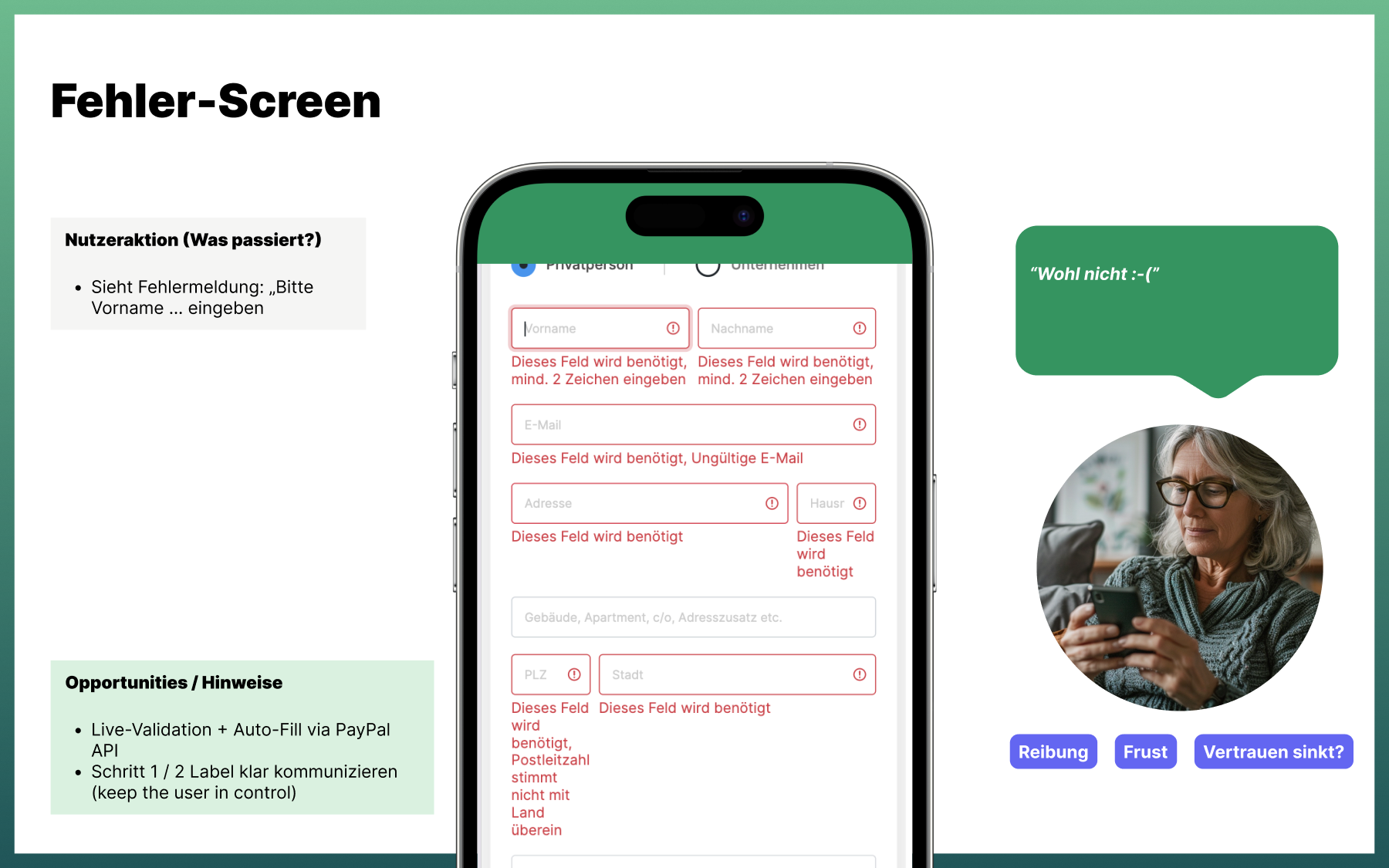
Review required fields and errors in context. Proposed improvements included immediate validation and autofill.
Show the current stage and what happens after an action.
Make the relationship between the free entry point, learning offer and further training clearer.
02 Developing solutions
The analysis led to solution sketches. For demo access, we connected the ad, landing page, registration, first lessons and the option to book a conversation.
We also considered supporting emails in the flow, allowing the team to agree what information was needed at each touchpoint and how the next step would follow.
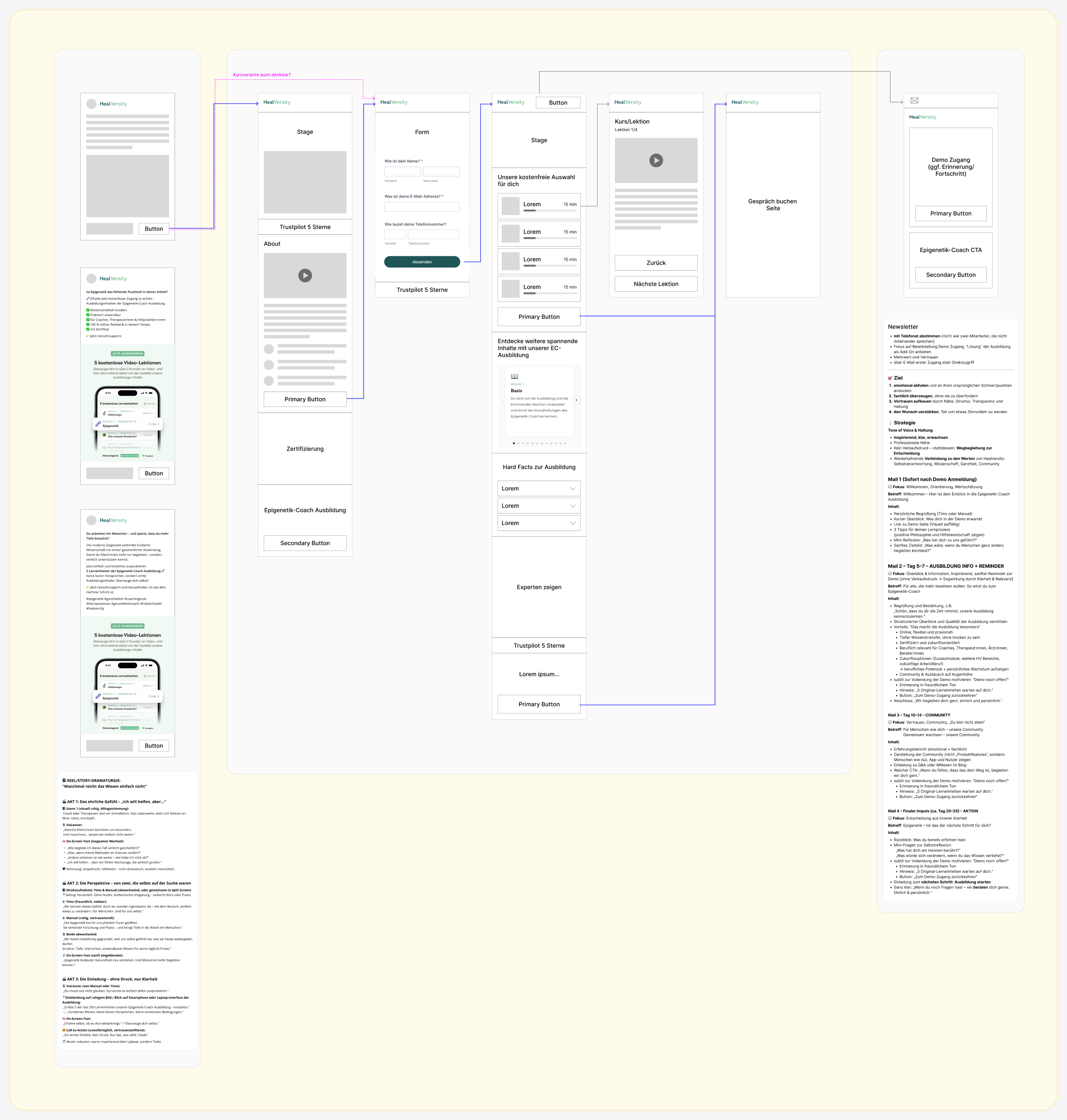
The ad and landing page introduce the free learning offer.
The form leads to selected lessons and supporting information.
Consultation booking and emails build on interest in the training.
03 Shared design foundation
We developed a shared visual direction and translated it into a design system. A stylescape connected colours, typography, imagery and initial module ideas.
The required components and page templates followed: buttons, inputs, cards, navigation, offer sections and FAQs. Each page could build on the same foundation.


The landing page applies the system: introduction, training information, audiences, content, participant feedback and next steps form one page.
The cards show how the same foundation supports short information, illustrated articles and video content.

04 Collaboration & implementation
Our work continued beyond design. The engagement also included an optimised WordPress environment and a flexible landing-page framework.
Expert Allies was our technical implementation partner. I coordinated their work and connected the userdoo team's design with technical delivery.
My role covered concept development, design leadership and coordination between the client, userdoo and the implementation partner.
Project responsibilities
Concept, design leadership and implementation coordination
Detailed UX, design system, components and templates
Technical implementation partner
Outcome
Additional landing pages could build on shared templates and components. Working with Expert Allies, we carried this foundation through to WordPress implementation. The walkthroughs identified concrete opportunities for clearer forms and transitions to learning content; higher conversion was a goal, but has not been established as an outcome.
Walkthroughs identifying specific barriers and sketching solutions for next steps.
A shared visual foundation with detailed components and page templates.
Environment and landing-page framework developed with Expert Allies.
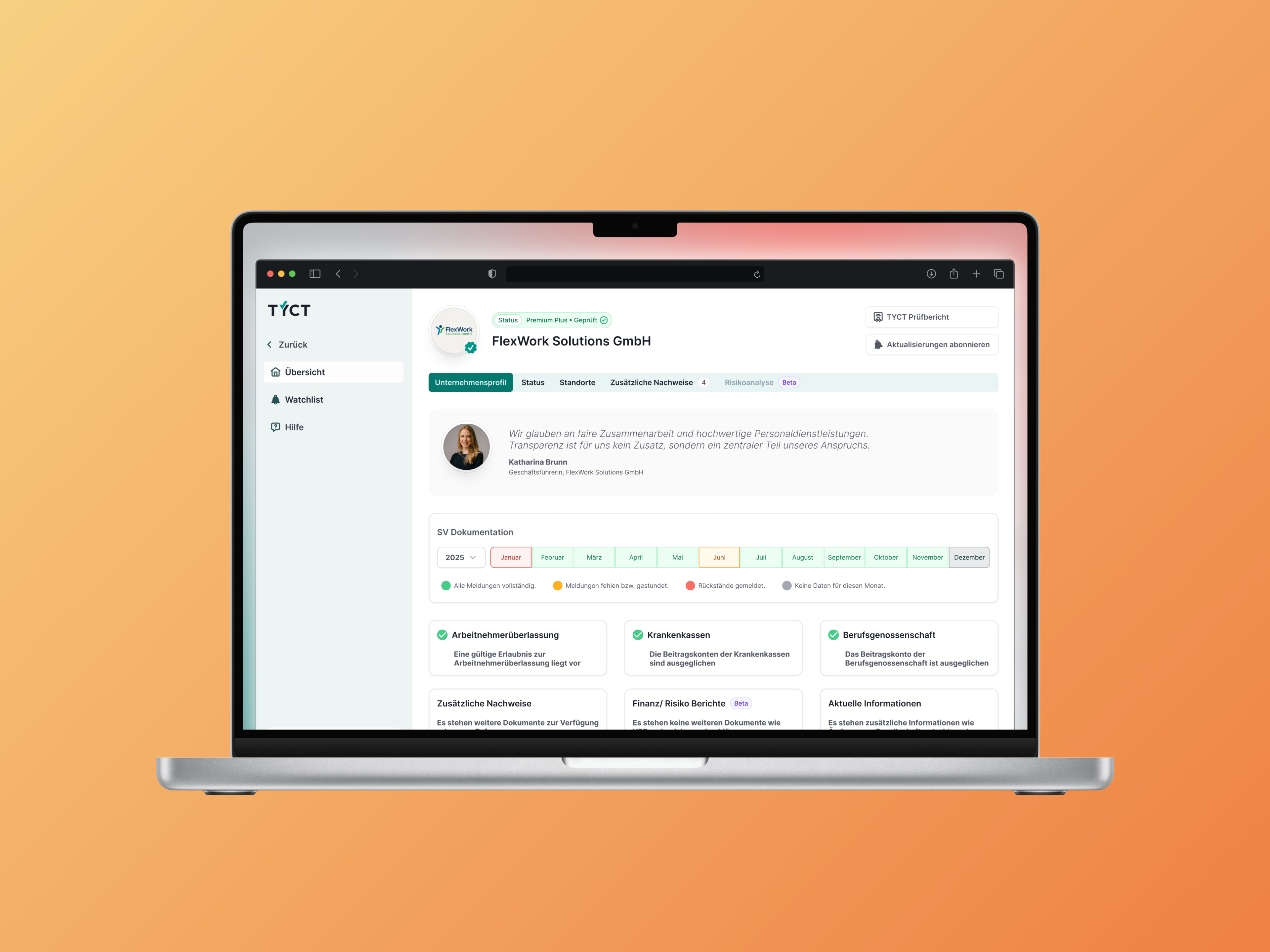
Development could build on implemented UI components. Recurring elements did not need to be redesigned for every verification workflow.
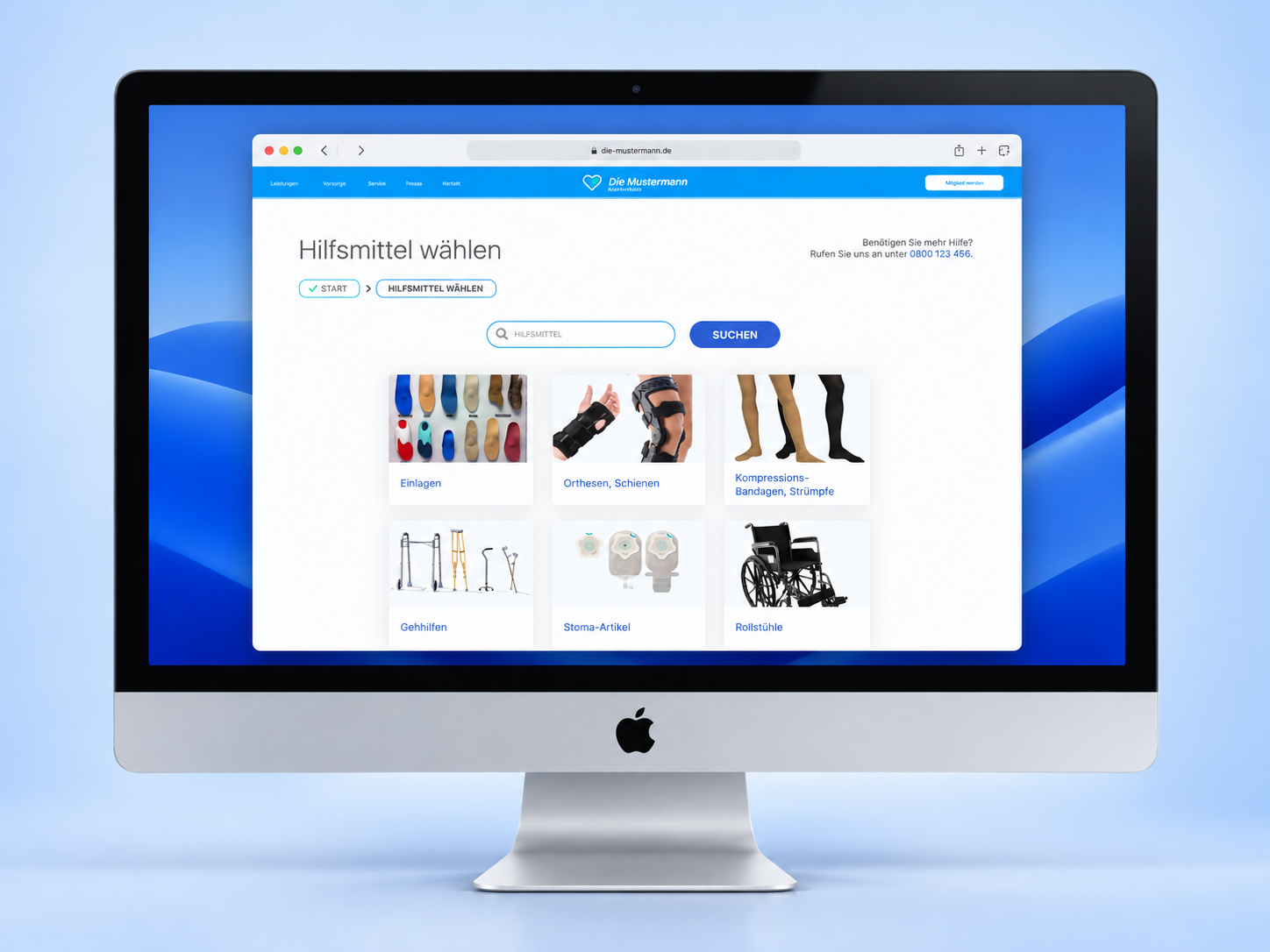
An idea became a live service for choosing medical aids and finding providers. Findings from GWQ’s user tests informed navigation improvements before launch.
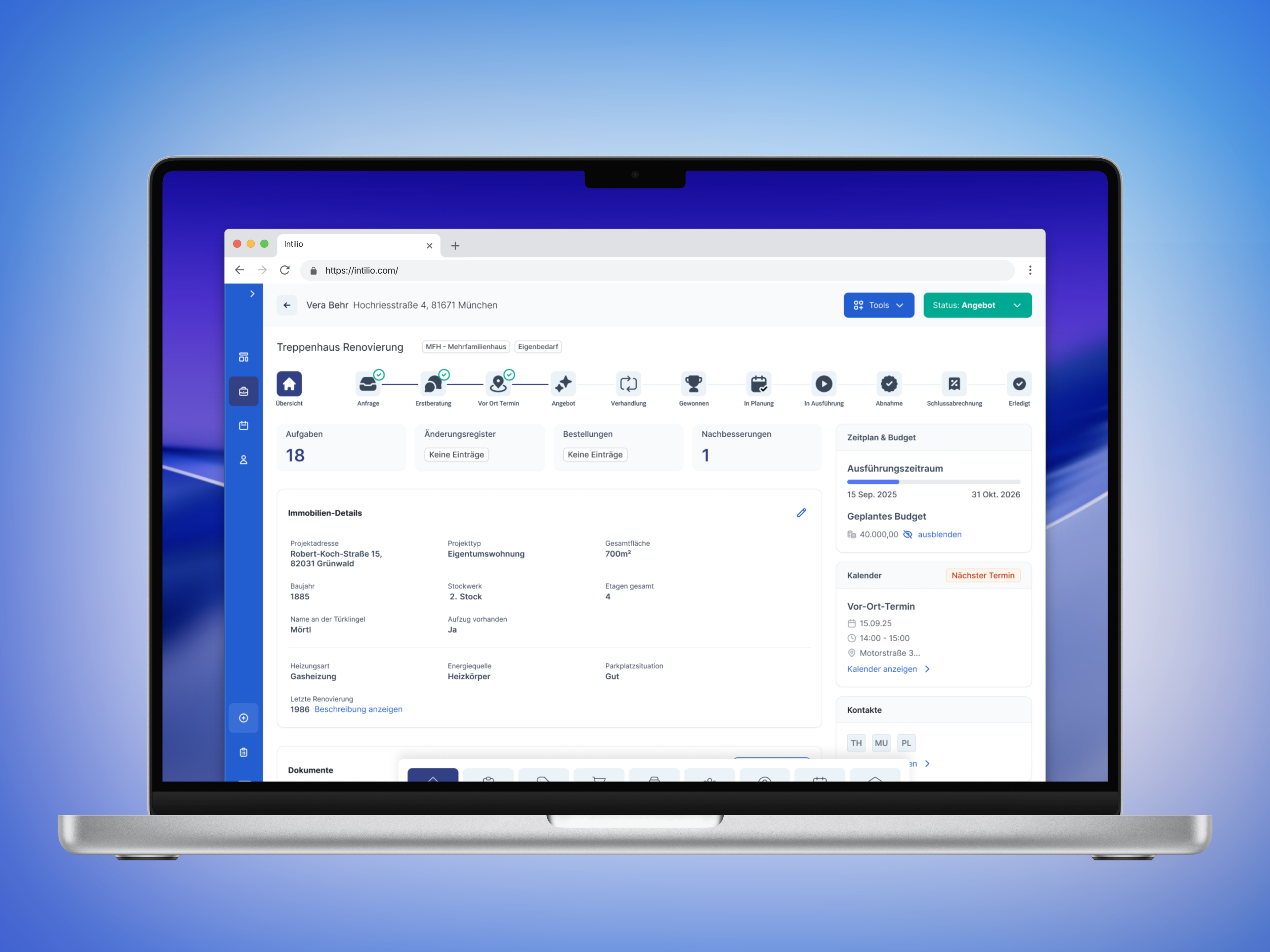
A guided project workflow provided the foundation for offering an internal tool as SaaS. Tasks, documents and next steps were brought together in one flow.